Missing HRV Data: Why Your Wearable Has Gaps and What to Check
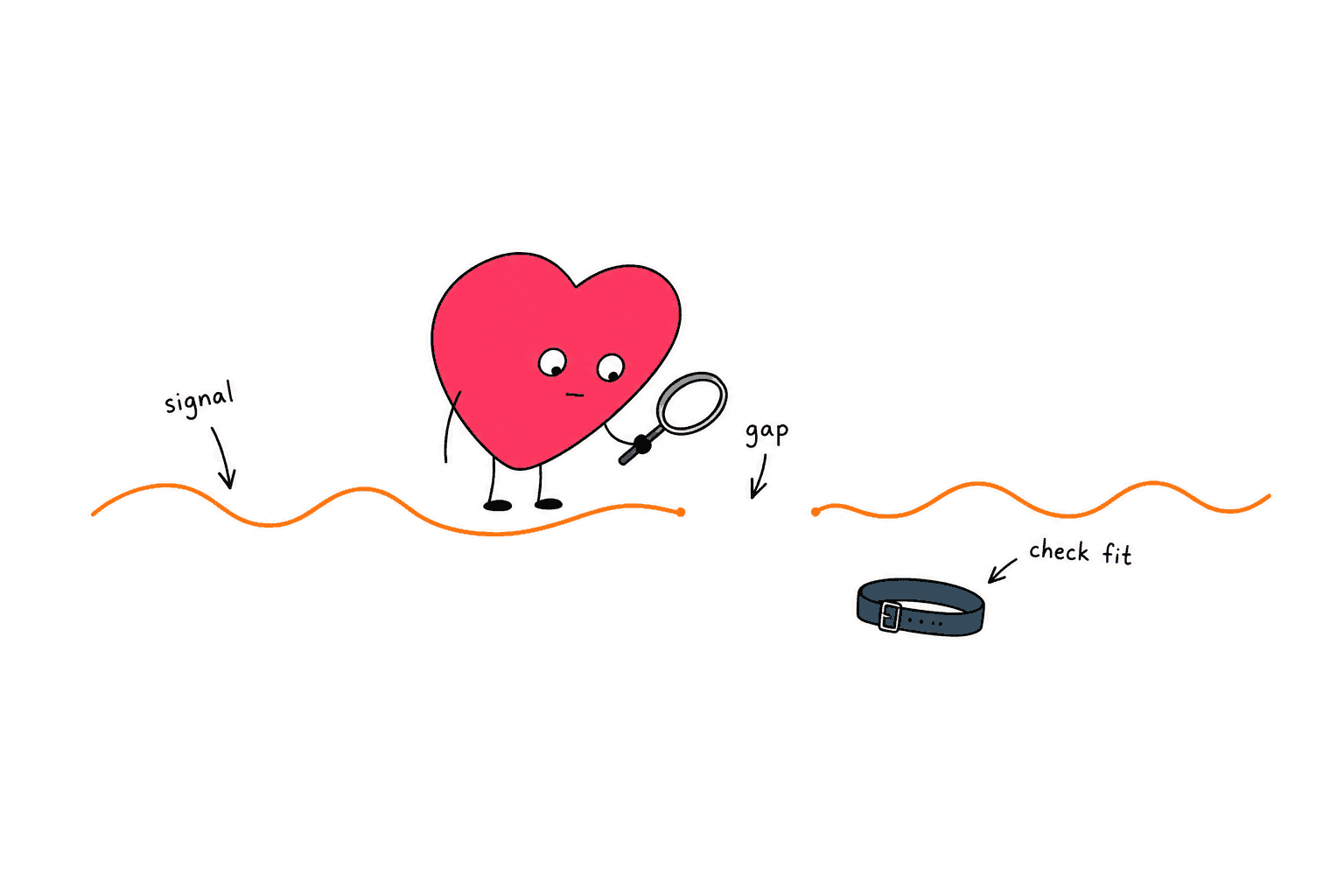
Why is my HRV data missing?
Missing HRV data means your wearable or app has no HRV result to display for that period. It does not mean your HRV is zero. Check whether data has synced, whether the device was charged and worn correctly, and whether its sensors and settings allowed a usable recording.
Start with the pattern: one blank interval, a whole missing night, or data that appears in one app but not another.
Those situations need different checks. None can tell you how well you recovered without an actual measurement.
This guide covers missing readings. If you have a number that is lower than usual, see what low HRV can mean.
| What you see | First check | What you cannot conclude |
|---|---|---|
| A few gaps during the night | Fit, sensor contact and movement | That your HRV dropped during every gap |
| An entire night missing | Battery, wear time and syncing | That you had a terrible recovery night |
| Heart rate present but HRV absent | Whether HRV is supported and recorded in that context | That an average pulse guarantees an HRV result |
| Data in the device app but missing elsewhere | App permissions and the import connection | That the wearable failed to record |
| Repeated gaps with symptoms | The symptoms and appropriate medical care | That fixing the app resolves a health concern |
1. Check what is actually missing
Open the original app for your wearable before checking a dashboard that imports its data.
Look at the date and the individual record, not just the weekly chart. A weekly view can hide whether one day is missing or the entire connection has stopped updating.
Write down which of these applies:
- HRV alone is absent.
- HRV and heart rate are both absent.
- All sleep information is absent.
- The original app has data, but another app does not.
This small distinction gives support a much better starting point than "my score disappeared."
A pulse reading is not the same as an HRV reading
Heart rate describes how often your heart beats. HRV describes variation in the timing between beats.
A displayed heart rate does not, by itself, establish that an app has enough appropriate timing data to calculate its HRV metric.
For the measurement background, see ECG vs PPG for HRV. That distinction is useful when a device appears to be working but one metric remains blank.
Check the expected recording window
Do not assume every device produces an HRV value every minute, or that every workout includes HRV.
Check the manufacturer's description for your model and the specific metric you are viewing. A sleep metric, a spot measurement and an imported daily summary are different records.
Before troubleshooting a missing value, confirm that the device was supposed to create it.
2. Confirm battery, wear time and syncing
Check whether you actually wore the device through the period in question. Then check battery history or any low-battery message, if the app provides one.
A device can still be on your finger or wrist after its measurement capability has been interrupted.
Oura's sleep-data troubleshooting guide explains that its nighttime low-battery mode may stop new data collection, leaving HRV and other sleep metrics unavailable. It currently recommends charging the ring to at least 30% before bed.
That battery recommendation is specific to Oura. Use your own manufacturer's guidance for another device.
Sync before assuming the recording is gone
Open the device's app and let its normal sync finish. Check for a connection error or an unfinished upload before repeatedly refreshing the chart.
Oura recommends daily syncing and notes that stored data can be lost if it remains unsynced for too long or the ring powers off.
If the original app now shows HRV, but a connected dashboard does not, investigate the transfer:
- Confirm that the correct account or data source is selected.
- Review the receiving app's permission to read HRV.
- Check whether its last successful import predates the missing record.
- Follow that app's documented reconnect process if needed.
Avoid deleting records or factory-resetting the wearable as your first experiment. Preserve the available data and follow the manufacturer's recovery instructions.
3. Check fit and sensor contact
If recording started but contains gaps, inspect the parts that touch your skin.
For a ring, check that it sits securely and is oriented according to the instructions for that model. For a watch, check that it is worn where the manufacturer specifies and that the band holds it in place comfortably.
Tighter is not automatically better. Do not tighten a strap or force a ring onto a finger to the point of pain, numbness or restricted circulation.
Oura's guide to heart-rate graph gaps lists loose fit, dirty sensors and nighttime movement among possible causes of missing nighttime HRV or heart-rate data. It also lists sleeping in a position that makes the hand numb.
Clean the sensor area using the manufacturer's method, then dry it as instructed. Inspect fit again before the next normal recording period.
Consider the recording conditions
Cold skin and movement can interfere with optical sensing. Apple's measurement guidance explains that low skin blood flow in the cold, some tattoos and motion can affect its heart-rate sensor.
These are possible explanations to check, not proof of what caused your particular gap.
If a missing interval coincides with a removed watch or a loose ring, note that. If there is no obvious explanation, leave the cause unknown rather than assigning it to stress or poor recovery.
4. Review device settings and app changes
If the problem started suddenly, think about what changed just before it began.
Useful clues include a new phone, a changed account, a revoked permission, an app update or a different way of wearing the device.
Change one relevant setting at a time so you can tell what helped.
Apple Watch checks
Apple says background heart-rate readings are not taken when Wrist Detection is off. It also says disabling Heart Rate in Privacy settings stops heart-rate measurement.
In the iPhone Watch app, review:
- My Watch > Passcode > Wrist Detection
- Privacy > Heart Rate
These checks come from Apple's official sensor guidance. They address prerequisites for heart-rate collection, rather than guaranteeing an immediate HRV sample.
For the broader HRV workflow, see our Apple Watch HRV guide.
After an update or phone change
Check the manufacturer's current support page for your device and app version. Save any error message before restarting or reconnecting anything.
Use documented troubleshooting steps. A factory reset can be a bigger intervention than a restart, and a procedure for another model may not apply to yours.
If data exists in one app, include that fact when reporting a problem with another. It helps distinguish recording from importing.
5. Leave missing readings out of your interpretation
A blank entry should stay blank in your own tracking notes.
Do not enter zero to make a spreadsheet look complete. Do not copy yesterday's value into the empty day. Both create a measurement that never happened.
If your tracking tool requires a number, skip that entry or use its documented missing-data option.
A simple example
Suppose your log contains three mornings:
| Day | Recorded HRV | Your note |
|---|---|---|
| Monday | 42 ms | Normal recording |
| Tuesday | No reading | Device left charging |
| Wednesday | 44 ms | Normal recording |
The average of the two recorded values is 43 ms.
Entering Tuesday as zero would produce about 29 ms across the three rows. That apparent decline would be an arithmetic artifact, not a measured change in your body.
The same principle applies to a missing night in a longer trend: keep track of how many observations the comparison actually contains.
Treat partial nights cautiously
If a graph covers only part of the night, the displayed summary describes the data the device used. It does not tell you what happened during the missing hours.
Note the gap before comparing that night with a more complete recording. Avoid declaring a new baseline from one incomplete session.
For help interpreting actual measurements, use our guide to understanding HRV numbers.
6. Escalate persistent gaps with useful details
Contact device support if the problem continues after the relevant battery, syncing, fit and settings checks.
Send a concise record of the issue:
- Device model, phone model and app version.
- Dates and approximate times of missing data.
- Whether heart rate and sleep data are also missing.
- Whether the original app and any connected app disagree.
- Checks already completed and any error messages.
A screenshot of the affected interval can help. Avoid posting personal health screenshots publicly when the manufacturer's private support channel will do.
Ask whether the pattern fits a known software issue, an expected recording limitation or a hardware problem. Missing data alone is not a reason to buy a replacement wearable.
When symptoms matter more than the graph
A blank HRV chart cannot diagnose or rule out a heart rhythm problem. Oura includes irregular rhythms among possible reasons for incomplete data, but a gap does not establish that you have one.
Seek emergency help if you currently have palpitations that do not go away, or palpitations with chest pain, shortness of breath, feeling faint or fainting. If those symptoms have stopped, seek urgent medical advice. This follows NHS guidance on heart palpitations; use your local emergency service outside the UK.
Recurring or worsening palpitations also warrant medical assessment. Do not wait for the wearable to produce a complete chart before seeking help.
Common questions about missing HRV readings
Does no HRV reading mean zero HRV?
No. A missing result gives you no numerical value for that interval. Treat it as unavailable data, not as the lowest possible score.
Can I recover a missing night?
That depends on whether the device recorded and retained the data. Syncing may reveal a stored recording, but it cannot recreate measurements that were never collected. Follow the device's support guidance before resetting anything.
Should I change today's workout because HRV is missing?
A blank value alone cannot tell you how ready you are to train. Consider how you feel, your recent training and any existing medical guidance. Do not invent a recovery score to fill the gap.
What should I do tonight?
Charge the device, confirm a comfortable fit, clean it as instructed and complete a normal sync. Note any changes you made. If the next expected recording is still missing, contact support with that record rather than repeating the same checks indefinitely.
Need a quick read on your HRV number first?
Enter your HRV value, age range, device, and recovery context for a plain-English interpretation before you decide what to do next.
Interpret Your HRV NumberBuild the 30-day plan