HRV After Switching Devices: How to Start a New Baseline
Why Did Your HRV Change With a New Device?
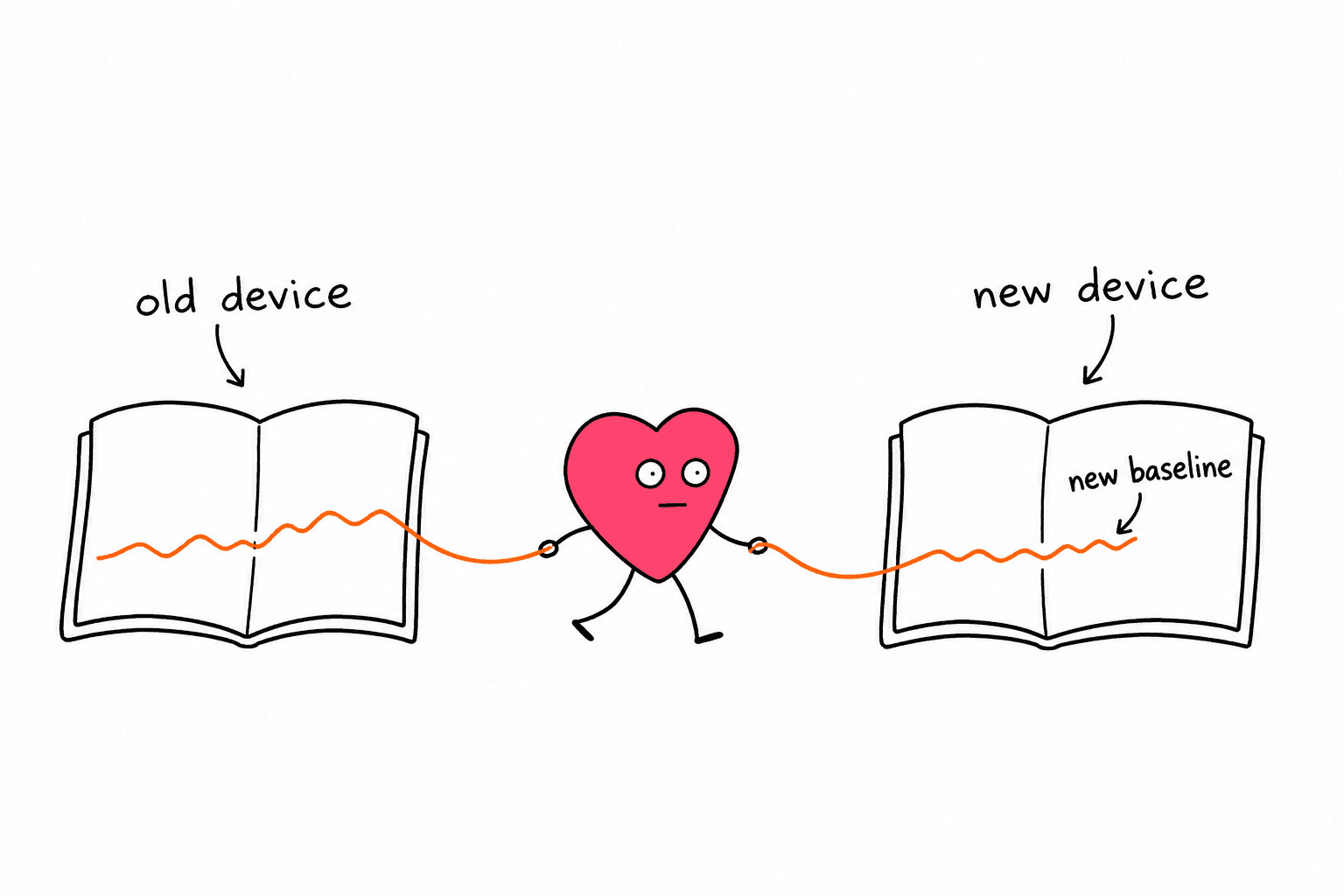
Your HRV can look different after switching devices because the calculation, recording window, and measurement method may have changed. A lower number on the new tracker does not by itself prove worse recovery. Keep the old history, mark the switch date, and establish a separate reference range for the new measurement.
You might replace a watch with a ring, move from overnight tracking to a morning chest-strap reading, or start using a different app with the same sensor.
In each case, check what the new number actually represents before trying to get it back to your old level.
This guide covers that transition. For the broader sensor differences, see ECG versus PPG for HRV.
| What changed? | What to check first | How to handle your history |
|---|---|---|
| Brand or app | HRV statistic and recording window | Keep separate series until you understand the difference |
| Overnight tracking to a morning reading | Sleep versus awake measurement | Build a reference for the new routine |
| Hardware within the same platform | Whether the app retains its baseline and measurement method | Keep history and annotate the replacement |
| Only the displayed score | Whether it is HRV in milliseconds or a readiness score | Compare the same type of output |
1. Identify the Number You Are Comparing
Start with the units. HRV values often use milliseconds, written as ms. A readiness score out of 100 is a different output, even if HRV contributes to it.
Next, look for the statistic in the app's help page or export:
- RMSSD summarizes differences between successive normal heartbeat intervals.
- SDNN summarizes the spread of normal heartbeat intervals across the recording.
- A daily average, nightly maximum, and individual sample are different summaries.
Apple's documentation identifies its HealthKit HRV SDNN data type as the standard deviation of heartbeat intervals. Oura's technical white paper identifies its HRV measure as RMSSD.
Check the exact feature you use. A platform can offer more than one health or recovery output, and a third-party app may process data differently.
The shared unit does not make SDNN and RMSSD interchangeable. Do not apply a fixed multiplier to convert one into the other for your personal baseline.
If the app does not identify the statistic, ask its support team. Until then, treat its numbers as a separate series.
A simple example
Suppose your old app usually showed 50 ms and your new app shows 35 ms.
Those are illustrative numbers, not healthy or unhealthy thresholds. If one is SDNN and the other is RMSSD, calling the change a 30% loss of recovery would be misleading.
Even when both say RMSSD, you still need to check when and how they were collected.
2. Match the Recording Window
A reading taken while sitting after breakfast is not the same measurement context as a summary of your night.
Oura explains that its average nighttime HRV is the mean of five-minute samples collected during sleep. It also distinguishes the nightly average from the nightly maximum.
That distinction matters when moving between apps. A prominent maximum on one screen can look like an improvement over an average on another.
Recording duration also matters. In a study of 3,387 adults, researchers derived beat intervals from finger blood-pressure recordings and compared short segments with recordings lasting roughly four to five minutes. RMSSD and SDNN did not perform identically as the recordings shortened.
That study examined recording length under controlled resting conditions. It does not establish that any two consumer wearables can substitute for each other.
Before comparing two records, write down:
- The HRV statistic.
- Whether the number comes from sleep or an awake session.
- The recording length, if documented.
- Whether the screen shows a sample, average, or maximum.
- The device and app that produced it.
When those details differ, use separate trend lines. You do not need to discard either record.
3. Mark the Switch and Preserve Your History
Save the date you changed hardware, apps, or measurement routines.
A short note is enough: "Started new ring on November 16; using its nightly average."
If your app supports an export, keep a copy of the old record before retiring the device. Otherwise, a screenshot of the recent trend and its measurement label can preserve useful context.
Keep the original source attached to the data. A spreadsheet that contains only dates and numbers makes it too easy to mistake a device change for a physiological change later.
Useful columns include:
| Date | Device and app | Metric and window | HRV | Context |
|---|---|---|---|---|
| Before switch | Old tracker | Its documented nightly metric | Recorded value | Usual routine |
| Switch date | New tracker | Its documented nightly metric | Recorded value | Hardware changed |
| Following days | New tracker | Same metric and window | Recorded values | Sleep, travel, or unusual events |
Avoid averaging old and new device values into one transition-week number. That can conceal the change in measurement.
If you are upgrading within one platform
A replacement device does not automatically mean you should delete your account or erase your baseline.
Check the manufacturer's migration instructions for your model. Preserve the history the platform supports, annotate the hardware change, and inspect the readings after the switch.
Separating your interpretation of the new readings is different from manually resetting the app. Do not reset it just to make a score look better.
4. Give the New Routine Time
Use the new device consistently and follow its own personalization instructions.
There is no single waiting period that applies to every app, metric, and replacement scenario.
For example, Garmin says that HRV Status needs around three weeks of regular overnight wear to establish an initial baseline. Its baseline can become better informed as more history accumulates.
That is a Garmin feature requirement, not a rule that every wearable becomes fully reliable on day 21.
While the new record develops:
- Wear the device in the recommended position and fit.
- Use the same measurement routine each day.
- Keep notes on unusual nights rather than deleting inconvenient values.
- Distinguish a missing reading from a low reading.
- Avoid repeatedly measuring until you get a number you prefer.
For manual readings, keep posture, timing, and breathing routine consistent. If you deliberately do a breathing exercise during one recording, label it separately from your ordinary resting readings.
Our guides to posture and HRV and missing HRV data cover those specific problems.
What if the first week is unusual?
If you start wearing a new tracker during travel, disrupted sleep, or an unusually demanding week, note that context.
You can keep collecting data without treating those first few days as your permanent normal. Follow the app's ongoing baseline process and look again after your usual routine resumes.
Do not try to manufacture a perfect calibration week by changing several habits at once. It becomes harder to tell which change explains the pattern.
5. Use Optional Overlap to Understand the Transition
If you still own the old device and wearing both is comfortable, a short overlap can help you see how their outputs behave on the same nights.
This is optional. You do not need to buy or keep paying for a second tracker to establish a new routine.
Choose a manageable observation period, such as a week. This is a practical logging suggestion, not a validated calibration protocol.
During the overlap:
- Follow each device's normal wear instructions.
- Record each device's own nightly summary separately.
- Note missing data or nights when one device was removed.
- Look for whether the readings move in similar directions.
- Keep any difference in absolute values visible.
Two devices moving together does not prove that either is accurate. If both fall after the same night, that is useful context, but it is not a clinical validation study.
Likewise, a consistent gap does not justify adding a fixed number to every future reading. The relationship may change with the measurement conditions.
If comparing devices makes tracking more stressful, end the overlap and use one consistent source.
6. Make Decisions From the New Trend and Your Context
Once you have enough consistent history, compare the new device's readings with its own recent pattern.
The question becomes: "Is this unusual for me on this device and routine?"
Your old number is no longer a target that the new device must reproduce. A separate baseline preserves the usefulness of both records without pretending their scales are identical.
Use your notes to interpret changes alongside how you feel, your sleep, and your usual activities. The guide to understanding HRV numbers explains how to read a personal trend without assigning a universal good score.
A new device's low score alone is not a reason to change medication, diagnose an illness, or abandon an established care plan.
If you feel unwell or have persistent unexplained symptoms, seek medical advice rather than assuming the new tracker explains everything. HRV is not a diagnostic test.
Questions About Switching HRV Trackers
Can I keep my old baseline?
Keep the old record as history. Whether an app carries its baseline to replacement hardware depends on the platform. For a different metric or measurement routine, establish a separate reference rather than applying the old range unchanged.
Which device should I believe when they disagree?
First check the statistic, recording window, and data completeness. A higher reading does not identify the better device. For everyday trend tracking, choose the source you can use consistently and interpret it within its own history.
Should I delete unusually low readings during setup?
Do not remove a valid reading just because it is low. Note the circumstances. If the app identifies a measurement error, follow its guidance, but keep low physiology separate from bad data.
Do I need to start over after every software update?
No automatic reset is needed. If the manufacturer documents a change to the HRV calculation, annotate it. If readings shift unexpectedly, check release notes and contact support before assuming your physiology changed.
What should I do on the first morning?
Confirm the metric and units, check that the recording completed, and note the switch date. Then continue a consistent routine while the new device builds useful history. One morning cannot establish your new normal.
Need a quick read on your HRV number first?
Enter your HRV value, age range, device, and recovery context for a plain-English interpretation before you decide what to do next.
Interpret Your HRV NumberBuild the 30-day plan